Put two sizes in the ring.
Five focused size tools — data sizes across decimal and binary units, download time, screen area and PPI, head-to-head numbers, and storage estimates — plus plain-language guides. Every answer is decided instantly, right in your browser.
Pick a size battle
Five focused tools, each on its own page. Choose a match-up to get started.
Data Size Battle
Pit two data sizes against each other across decimal and binary units.
Open the toolDownload Time
How long a file takes to download — and which connection finishes first.
Open the toolScreen Size Battle
Compare two screens by area, dimensions and pixel density.
Open the toolNumber Battle
Two numbers enter: bigger, difference, percentage and ratio.
Open the toolStorage Fit Estimator
Turn any capacity into photos, songs, video minutes and ebooks.
Open the toolWhy SizeBattle
Head-to-head clarity
Every tool puts two things in the ring and declares a winner — bigger size, faster download, sharper screen — with the exact margin, not just a vague 'more'.
Instant results
No spinners and no waiting. Type a value and the answer updates as you go, right in the browser.
Private by default
Every calculation runs on your device. No accounts, no uploads, no tracking — the sizes and speeds you type never leave the page.
English & Russian
The whole site — tools, guides and help — is fully bilingual. Switch languages anytime from the header.
Digital sizes, made simple
SizeBattle is a free suite of head-to-head size calculators for the digital questions that come up all the time: which file is bigger and by how many bytes, how long a download really takes, whether a 27-inch monitor beats a 32-inch one on sharpness, which of two numbers wins, and how many photos or songs fit on a drive. Instead of squinting at a spec sheet, you put two contenders in the ring and get a clear winner with the exact margin between them.
The tools are precise about the details that trip people up — the difference between decimal units (1 KB = 1000 bytes) and binary units (1 KiB = 1024 bytes), between bits and bytes, and between megabits and megabytes on your internet plan. Everything works client-side in your browser, so it is fast, private and available offline once loaded. Each tool is paired with a plain-language guide that explains the calculation behind it, so you not only get the answer but understand where it comes from.
Guides & articles
Plain-language explainers on bytes, bandwidth, screens and the units behind them.
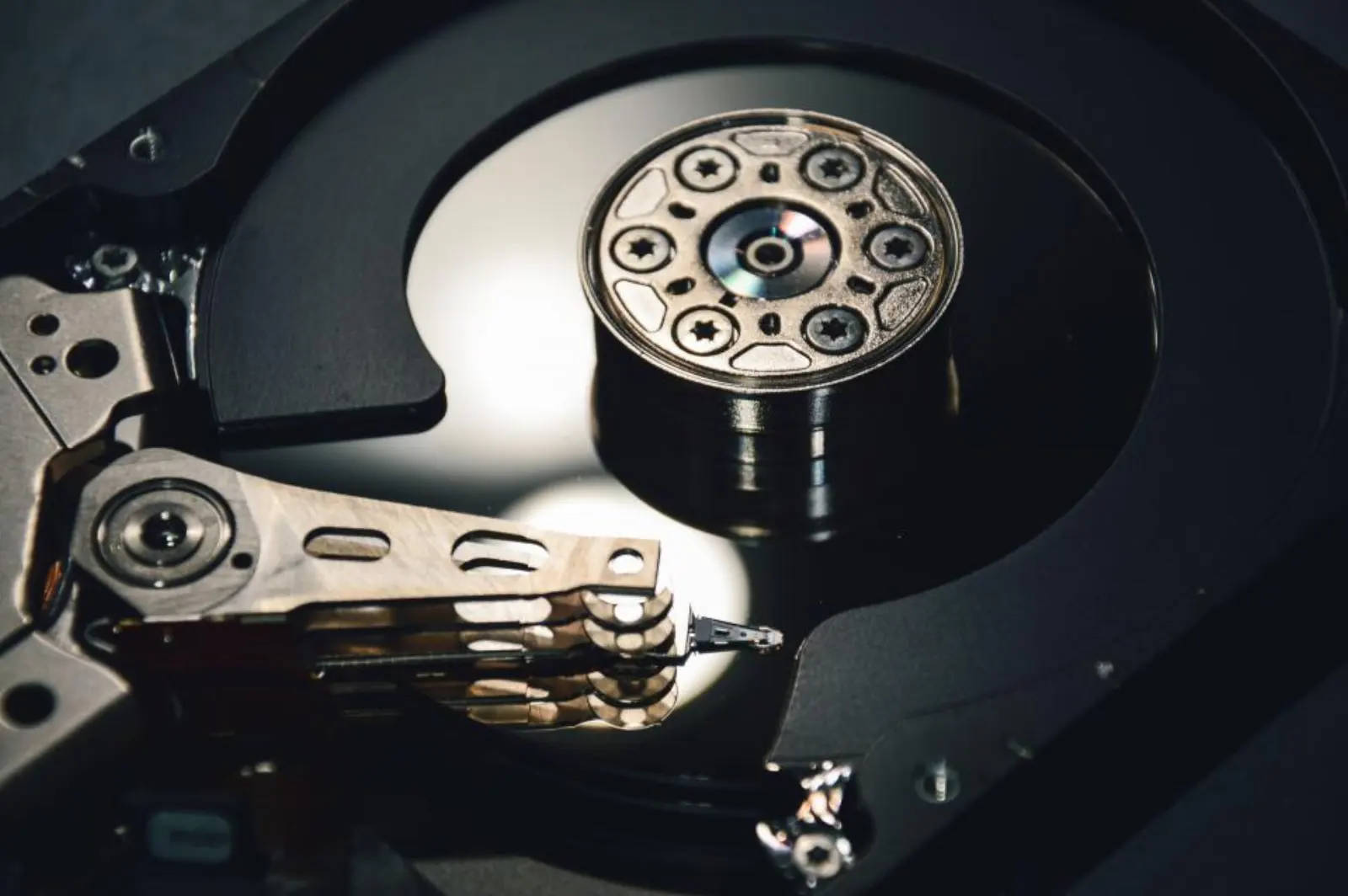
KB vs KiB: Decimal and Binary Sizes Explained
Why a 1 TB drive shows as 931 GB, the difference between decimal (1000) and binary (1024) units, and how to know which one a number means.

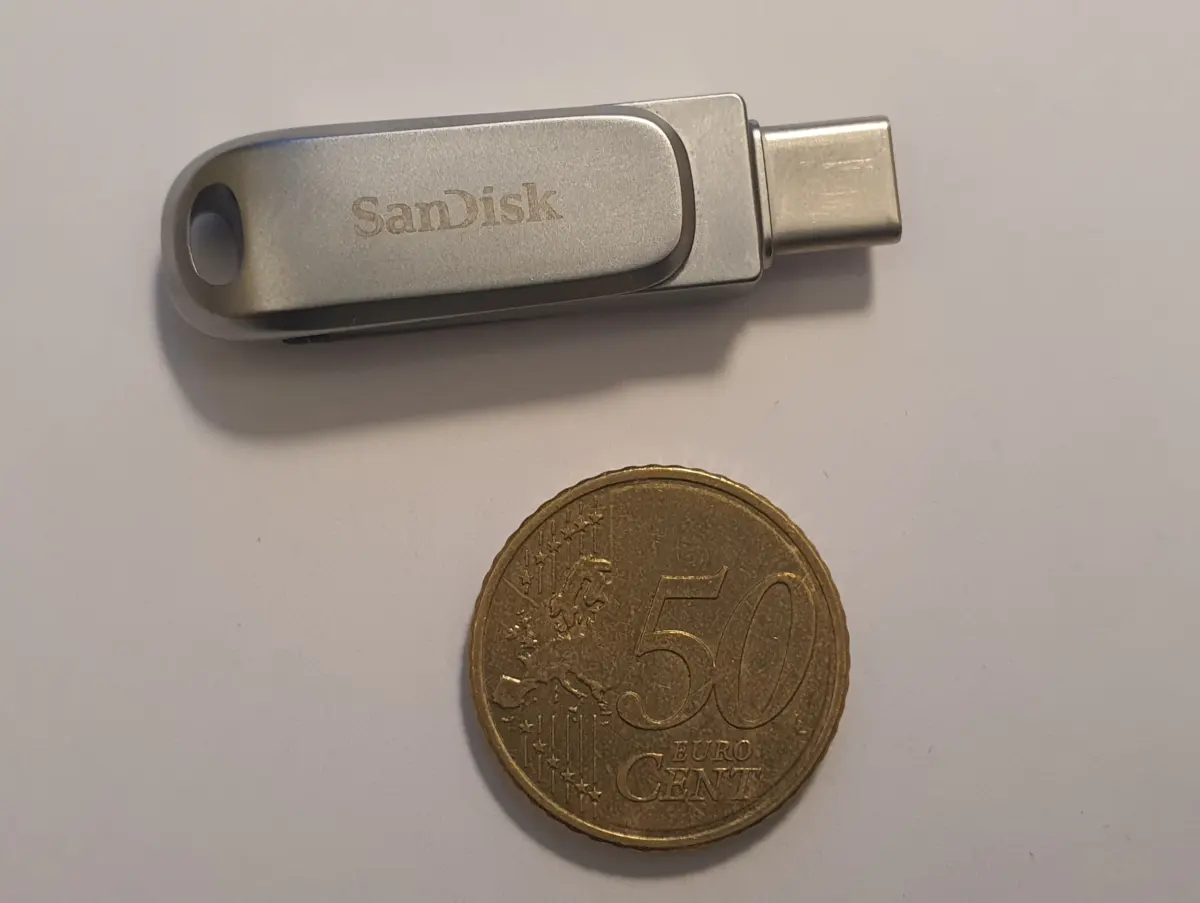
How Long Will That Download Take?
The simple formula behind download time, the 8-bits-per-byte factor that trips everyone up, and why real transfers are always a bit slower.
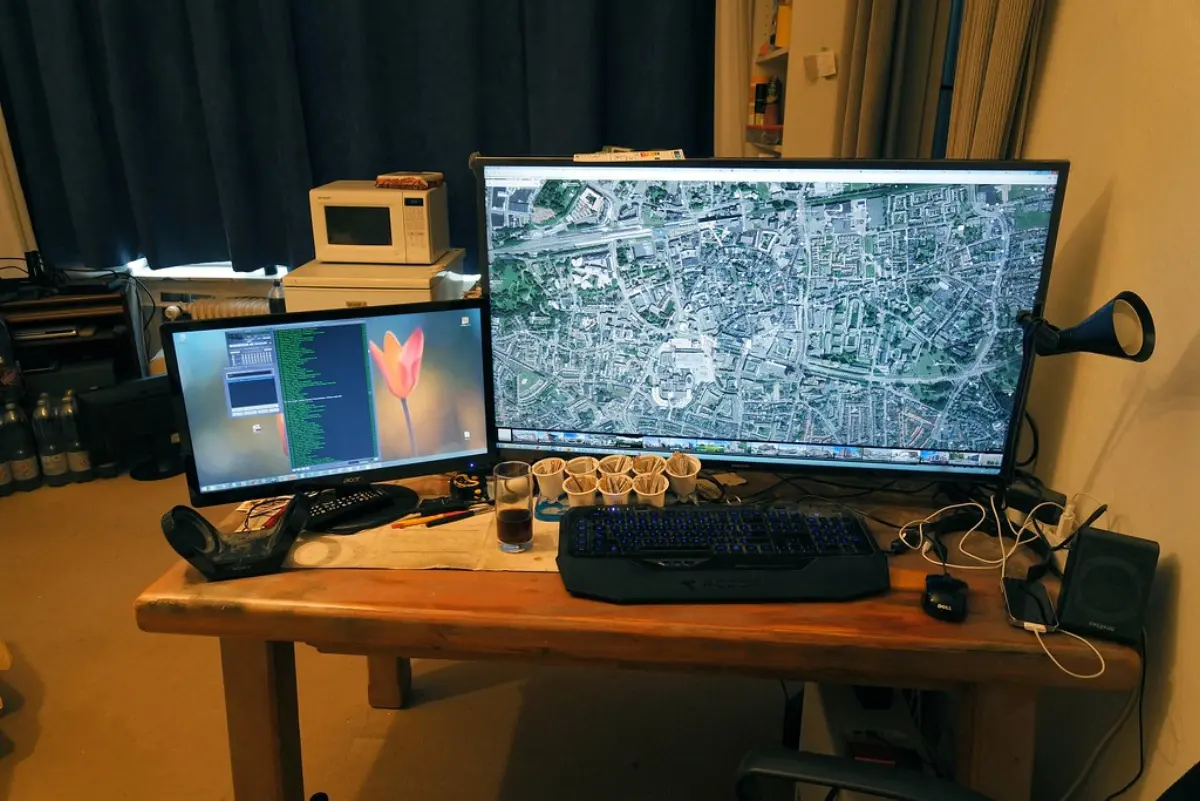
Screen Size, Aspect Ratio and PPI Made Simple
Why the diagonal alone lies, how aspect ratio decides real width and area, and what pixels-per-inch really tells you about sharpness.
Frequently asked questions
What's the difference between KB and KiB (decimal vs binary)?+
Decimal (SI) units go up in powers of 1000: 1 KB = 1000 bytes, 1 MB = 1,000,000 bytes. Binary (IEC) units go up in powers of 1024: 1 KiB = 1024 bytes, 1 MiB = 1,048,576 bytes. Storage and networking usually advertise decimal units, while operating systems often report binary units — which is why a '1 TB' drive shows as about 931 GiB. SizeBattle labels both clearly so you always know which one you're looking at.
How is download time calculated?+
SizeBattle converts the file size to bytes and the connection speed to bytes per second, then divides one by the other. Remember that Mbps and Gbps are megabits and gigabits per second, and there are 8 bits in a byte — so a 100 Mbps line moves about 12.5 MB every second. Real-world transfers are a little slower because of protocol overhead, latency and congestion, so treat the result as a best-case estimate.
How do you work out a screen's real width, height and PPI?+
From the diagonal and aspect ratio we solve for the two sides using the Pythagorean theorem: the width and height are the legs of a right triangle whose hypotenuse is the diagonal. Area is simply width × height. PPI (pixels per inch) needs a pixel resolution — it's the diagonal measured in pixels divided by the diagonal measured in inches, so a sharper panel packs more pixels into the same physical space.
Which assumptions does the storage estimator use?+
The estimator assumes about 4 MB per photo, 5 MB per song, 50 MB per minute of 1080p video and 1 MB per ebook. These are rough averages — a RAW photo or 4K video is far larger, and a compressed MP3 or plain-text ebook is smaller. The tool shows every assumption on screen so you can sanity-check the numbers against your own files.
Is my data sent anywhere?+
No. Every battle is computed locally in your browser with JavaScript. The sizes, speeds and dimensions you type never leave your device and nothing is stored on a server. There are no accounts and no tracking.