Megabits vs Megabytes: Reading Internet Speeds
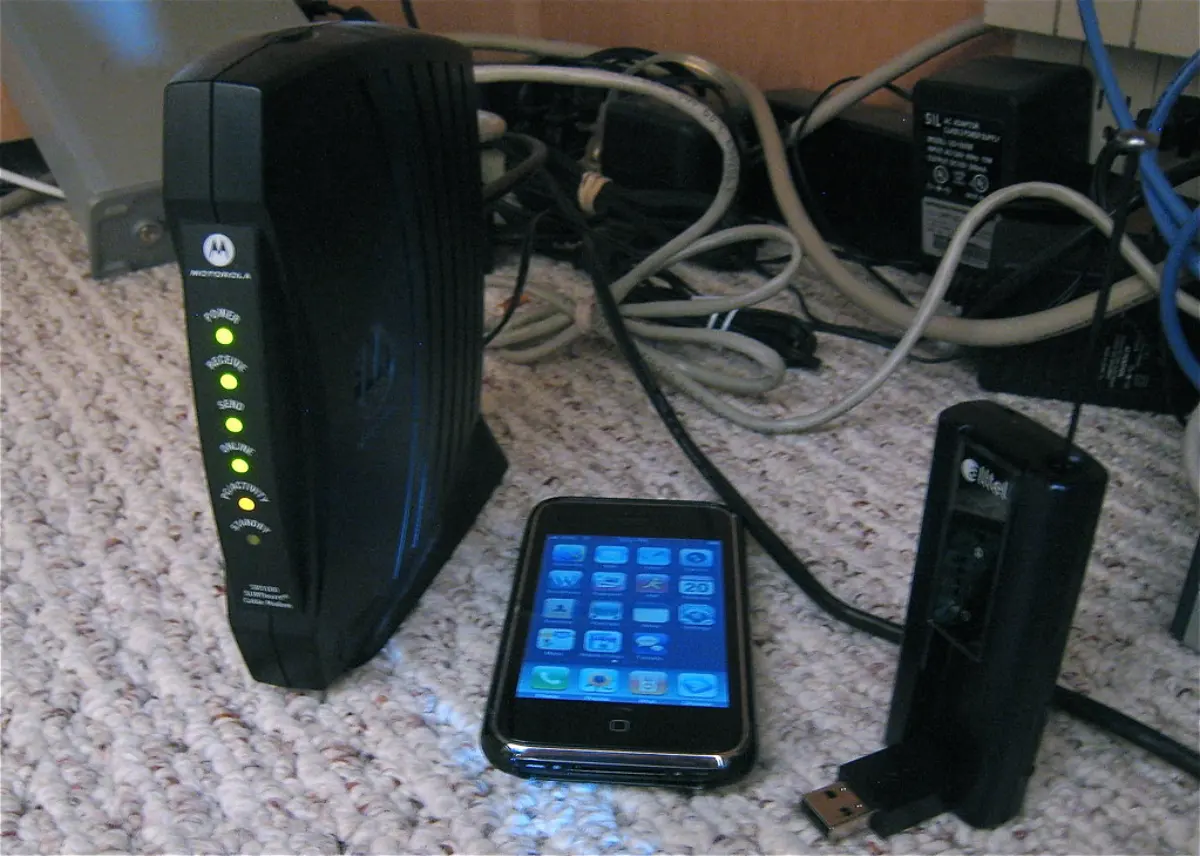
Your internet plan says '300 Mbps' but your download manager shows '37 MB/s', and both numbers are correct. The gap is the classic bits-versus-bytes trap dressed up in marketing. Understanding it tells you exactly how fast your connection really is — and whether you are getting what you pay for each month.
Why the numbers look eight times apart
Internet speeds are advertised in megabits per second (Mbps), partly because bigger numbers sell better and partly because networks have always been measured in bits. Files and download managers report megabytes per second (MB/s). Since a byte is 8 bits, you divide the Mbps figure by 8 to get MB/s. So 300 Mbps is about 37.5 MB/s, 100 Mbps is 12.5 MB/s, and a gigabit line (1000 Mbps) tops out around 125 MB/s.
If your download speed in MB/s is roughly one-eighth of your plan's Mbps number, everything is working as intended. It only looks like a shortfall because the two are counted in different units.
What eats the rest
You will rarely see the full theoretical MB/s. Overhead from the protocols that packetise and error-check data typically costs a few percent. Wi-Fi loses more than a wired connection, especially at range or on a crowded channel. The server you download from may cap your speed or simply be busy. And a quoted plan is an 'up to' figure that is shared across everyone in the household.
As a rule, getting 80 to 90 percent of the theoretical maximum on a wired connection is good; Wi-Fi and mobile vary far more from moment to moment.
Making sense of your own speed
To sanity-check a connection, run a speed test — its result is in Mbps — divide by 8 to predict your best-case MB/s, then compare with a real download. If a single download is slow but the speed test is fast, the bottleneck is the source, not your line. If everything is slow, look at Wi-Fi, the router, or contention on your plan.
One more thing to watch: on most consumer plans the upload speed is much lower than the download speed, which matters for video calls, cloud backups and sending large files. The advertised headline number almost always refers to download.
Where the rest of the speed goes
Dividing by eight gives the theoretical ceiling; the practical one is a few per cent lower. Each 1500-byte Ethernet frame spends 40 bytes on IP and TCP headers, about 2.7 per cent, and TLS adds record framing on top. So a 300 Mbps plan realistically peaks near 36 MB/s rather than 37.5 — close enough that if you are seeing 12 MB/s, something else is wrong.
That something is usually Wi-Fi. The figure on the router box is a radio rate under laboratory conditions, and because the medium is half-duplex and shared with every neighbouring network, real throughput lands near half of it. A Wi-Fi 5 client that negotiates 866 Mbps typically delivers 400–450 Mbps of actual data, and that is before walls, distance and a microwave oven get involved.
Measuring your own connection honestly
A speed test flatters you on purpose: it opens several parallel streams to a server chosen for being close. A real download is often one stream from a distant machine, and a single TCP connection is limited by its window divided by the round-trip time, so a 200 ms path caps one stream long before it reaches your plan's number. Seeing 900 Mbps on a test and 20 MB/s on a download is not a contradiction.
To measure the line rather than the environment, plug into the router with a cable, pause other devices, and check that the hardware can carry the plan at all: a gigabit service needs a gigabit port and at least Cat5e. Then check the destination. If a large file downloads at exactly the same rate from three different servers you are seeing your line; if the rate differs wildly, you are seeing theirs.
One more asymmetry catches people out: most consumer connections are advertised by their download figure, and upload is often a tenth of it. A 300/30 plan sends a 2 GB video file in about ten minutes rather than one, and every video call, cloud backup and screen share competes for that smaller number. When something feels slow while the download test looks fine, the upload direction is the first place to look.
The takeaway
Divide Mbps by 8 to get MB/s: a 300 Mbps plan is about 37.5 MB/s at best. Drop two speeds into the Download Time tool to see how long a real file takes on each.
How long a file takes to download — and which connection finishes first.
More guides
KB vs KiB: Decimal and Binary Sizes Explained
Why a 1 TB drive shows as 931 GB, the difference between decimal (1000) and binary (1024) units, and how to know which one a number means.
How Long Will That Download Take?
The simple formula behind download time, the 8-bits-per-byte factor that trips everyone up, and why real transfers are always a bit slower.
Screen Size, Aspect Ratio and PPI Made Simple
Why the diagonal alone lies, how aspect ratio decides real width and area, and what pixels-per-inch really tells you about sharpness.